
Mobile App
How to Download & Access the App
Follow these six steps to get the VETS26 conference loaded onto your phone.
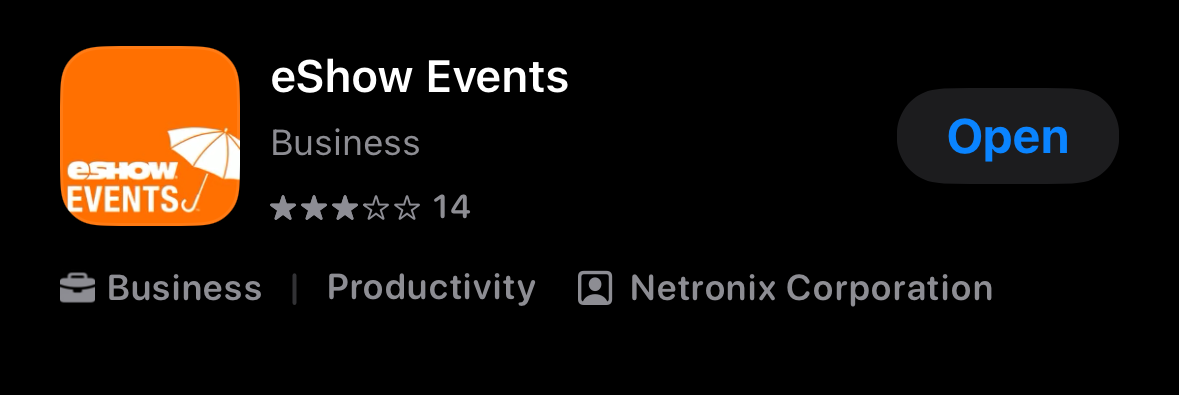
1. Download eShow Events
- Open the App Store (iPhone) or Google Play Store (Android).
- Search for eShow Events.
- Tap Download or Install.
2. Allow Notifications
When the app launches, allow notifications so you receive conference alerts, schedule changes, and direct messages from other attendees.
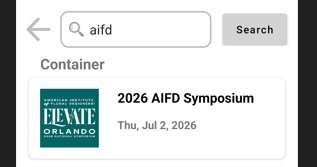
3. Find the AIFD 2026 Symposium Event
- Tap Search for an event on the main screen.
- Type AIFD and tap Search.
- Select AIFD 2026 Symposium from the results.
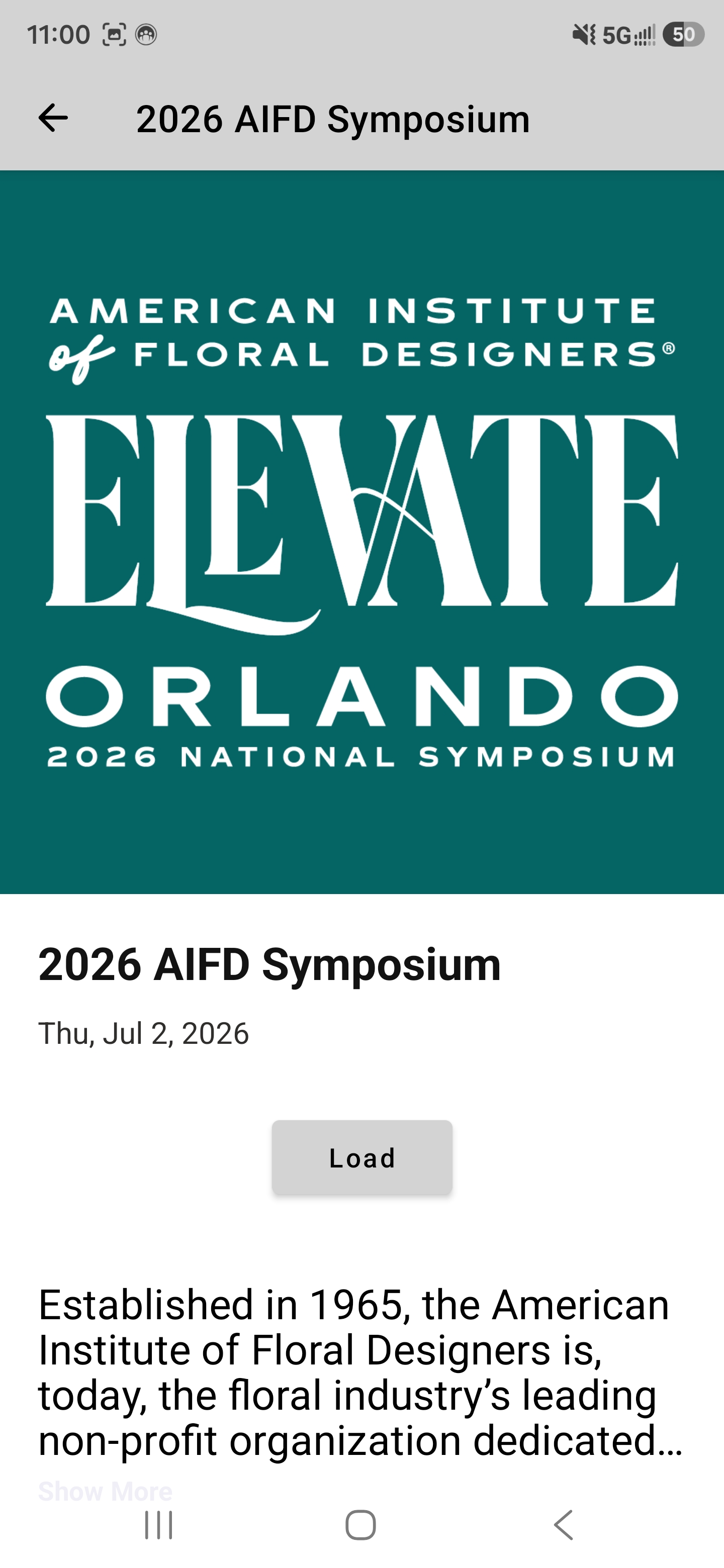
3. Load the Event
Tap Load to download the conference content to your device.
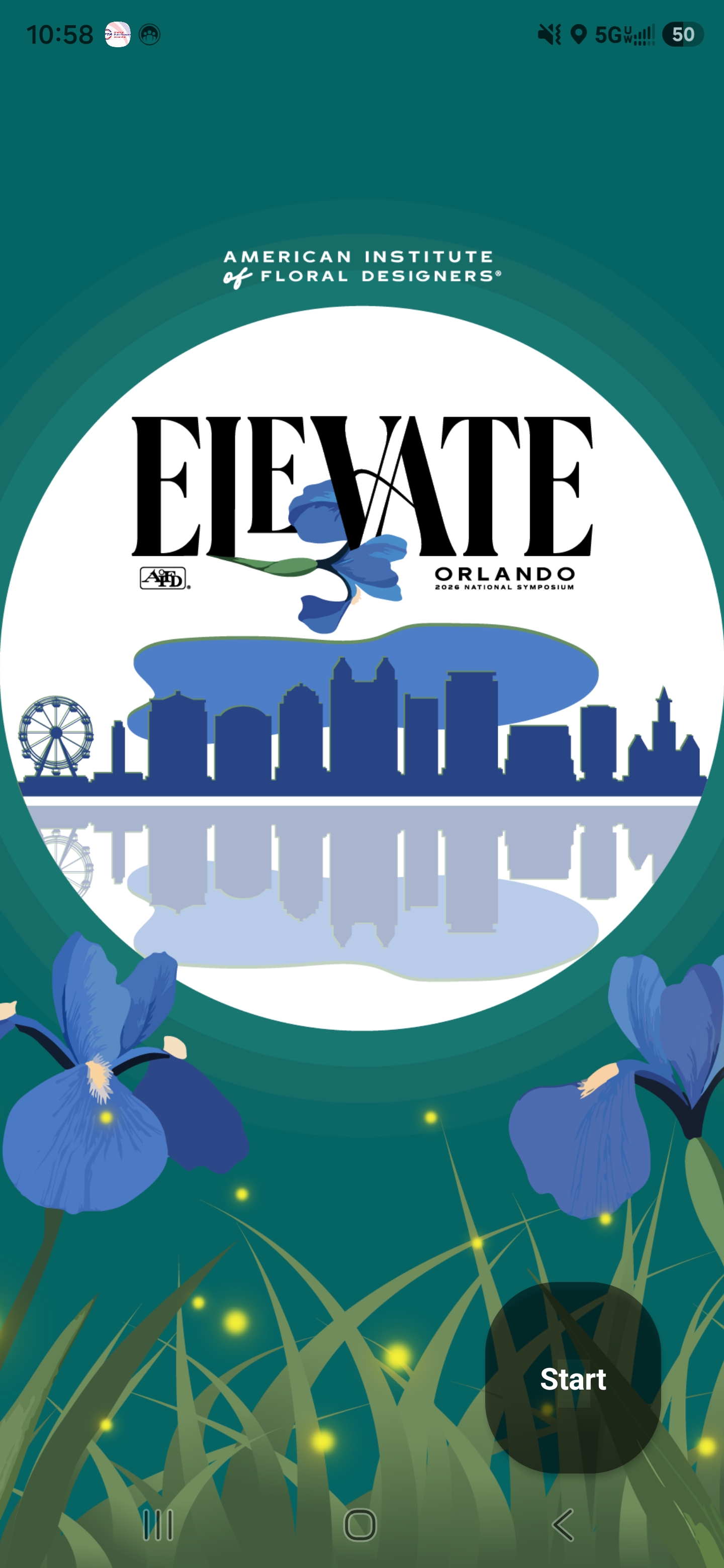
5. Start the Event
Once the event loads, tap Start in the lower right to enter the conference app.
Tips for Using the App
- Refresh often. Updates are made throughout the conference. Tap the three lines in the bottom right and select the tap to refresh button.
- Some menu items require login. My Planner and other personalized features need your email and Badge ID.
- Your Badge ID is printed on the front of your conference badge.